
Before You Pay That Invoice: A Simple Check to Help Prevent Payment Fraud
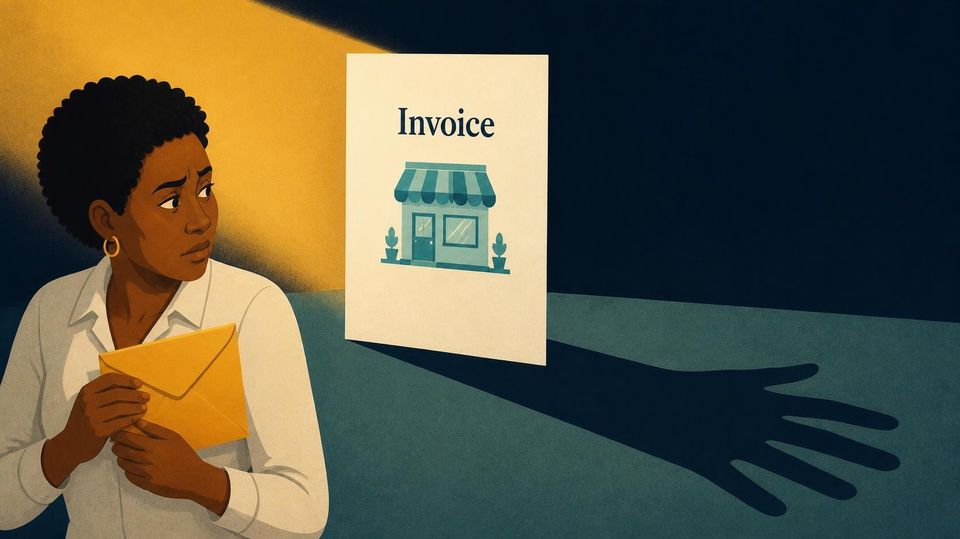
A supplier you know sends an email: “Your next invoice is due, and we have changed banks. Could you please update the payment details before Friday?”
It sounds ordinary because changes like this really do happen. Businesses move accounts, and payments sometimes need attention quickly.
Yet a familiar name or an existing email conversation does not confirm the request is genuine. Someone could pretend to be your supplier or gain access to their email account.
Before moving money, how do you confirm the change came from the right person?
Make one small rule for changes
Confirm new or changed banking instructions through a trusted contact method already on file.
That could mean calling the supplier using a number from your original contract or supplier record. Avoid using the number supplied in the email requesting the change. It could connect you to the person impersonating them.
For a sole trader, verification may be one call. For a small team, one person might confirm the change and another approve the update. Everyone who handles payments should know the same rule.
A five-step payment-change check
- Notice the change. New bank information, an unfamiliar payment link or a last-minute change to who receives the money should trigger verification.
- Use a known contact. Find the supplier’s contact information in a record you already trust. If you cannot reach the supplier using contact details you already trust, hold the change.
- Confirm the exact instructions. Ask whether the supplier requested the change and verify the new payment details. Simply confirming that an email was sent is not enough.
- Record the confirmation. Note who confirmed the request, when and which details were approved. Keep sensitive payment records accessible only to those who need them.
- Follow your usual payment process. Update the details only after verification. Keep your normal invoice checks and approvals in place.
These steps can fit into a spreadsheet, payment checklist or accounting workflow. Put the check where someone updates supplier details, so it becomes part of the work.
What if the request feels urgent?
Urgency does not always mean fraud. A genuine supplier may need a quick payment. Keep the verification step and explain it calmly:
“We confirm banking changes by phone using our existing contact details. It helps protect both businesses.”
An agreed routine gives staff a clear response, without asking them to judge whether a familiar supplier sounds suspicious.
If money has already been sent
Contact your bank immediately, explain what happened and ask whether the payment can be stopped or recovered. Recovery is not guaranteed, so act promptly.
Preserve the emails, payment instructions and transaction records. If fraud is suspected, report it through your country’s official fraud-reporting or law-enforcement channels.
If a familiar supplier emailed new banking details tomorrow, would everyone on your team know what to do?
A clear verification habit makes that next decision easier.
Share this checklist with whoever handles supplier payments in your business, and agree who will verify banking changes before the next payment.