Your Data’s Everywhere. Here’s How to Take It Back.

We clean our homes, tidy our desks, and sort through old papers. Our digital lives, however, often receive far less attention.
In today’s world, personal information lives everywhere: apps, websites, devices, and cloud accounts. Just like physical clutter, a messy digital footprint quietly increases risk. Identity theft, scams, data leaks, and even workplace breaches often begin with small things left unchecked.
That’s where data hygiene comes in. It’s the habit of keeping digital spaces clean, secure, and manageable through simple practices that reduce risk and restore control.
Everyday Habits That Strengthen Your Digital Safety
Whether you’re running a business, managing a household, freelancing, studying, or somewhere in between, these habits help protect what matters most.
Close accounts you no longer use.
Old accounts are easy targets. They often hold personal details such as email addresses, phone numbers, or saved payment information. Searching your inbox for phrases like “welcome to” or “reset your password” can help uncover forgotten sign-ups. Logging in, removing stored information where possible, and closing the account reduces unnecessary exposure.
Strengthen your passwords.
Reusing the same password across multiple accounts is similar to using one key for every lock. If one is compromised, everything else becomes exposed. A password manager helps create and store strong, unique passwords. Priority should be given to critical accounts such as email, banking, and cloud storage, with periodic updates over time.
Add an extra step for account access.
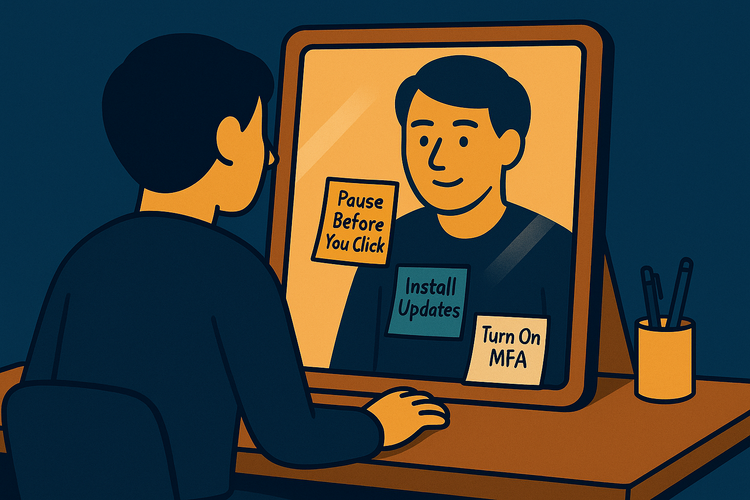
Passwords alone are no longer enough for accounts that matter. Multi-factor authentication adds a second check, usually something you have or something you are, before access is granted.
Turning on MFA for email, banking, cloud storage, and social accounts significantly reduces the impact of stolen passwords. Authentication apps or device-based prompts offer stronger protection than text messages, especially for high-value accounts.
This one setting quietly does a lot of work in the background.
Review app access.
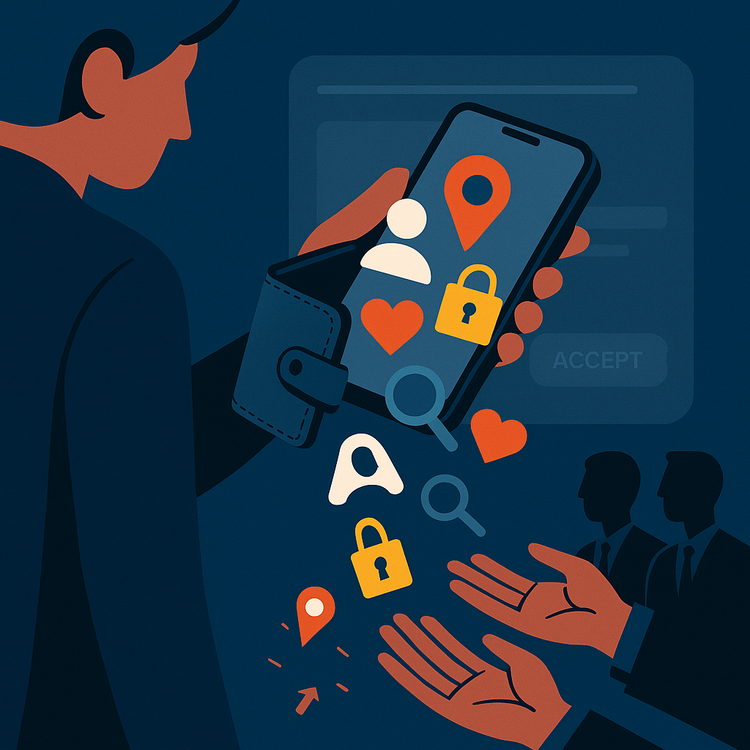
Many apps request permissions they do not truly need. Reviewing which apps can access location data, contacts, microphones, or cameras helps reduce unnecessary exposure. Permissions should be granted only when they serve a clear purpose.
Stay alert to scams.
Phishing messages continue to become more convincing. Avoid clicking links in unexpected emails or texts, verify the sender’s full address, and visit websites directly when something feels off.
Want to Go Further? Strengthen Your Setup
Good habits scale easily. Whether you’re using a personal phone, a shared tablet, or a work laptop, a few simple settings can significantly improve protection.
Secure your devices.
A strong screen lock, such as a six-digit PIN, fingerprint, or face recognition, adds an important layer of protection. Automatic updates should be enabled to address known security issues. Device tracking and remote wipe features help protect data if a device is lost or stolen.
Protect sensitive data.
Encryption helps keep information unreadable to anyone without permission. Most modern phones and computers enable encryption by default, though it is worth confirming. For files stored or shared in the cloud, encrypted folders add another layer of protection.
Limit access thoughtfully.
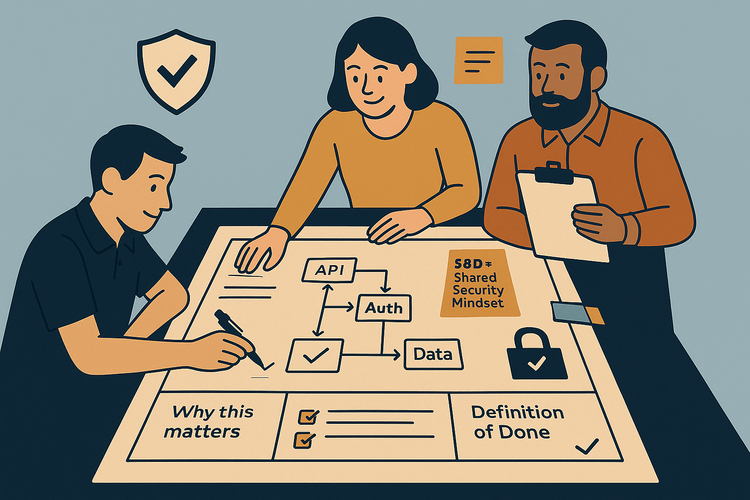
Not everyone needs access to everything. File-sharing tools such as Google Drive, Dropbox, or OneDrive allow view-only access when editing is unnecessary. Shared devices benefit from separate user profiles. In business or team environments, role-based access reduces accidental exposure.
Keep learning.
Staying informed does not require deep technical knowledge. Awareness of common scam patterns, periodic reviews of settings, and regular digital checkups help maintain good security habits over time.
Clean Data, Clear Mind
Data hygiene is not about complexity. It’s about peace of mind. It’s about knowing your private life remains private. It’s about building habits that protect you, along with the people and places you care about.
At Jay Secures™, security is viewed as a culture and that culture starts with small, intentional choices made every day.
Small steps, done consistently, add up to better security.